
Quick Summary
Always-listening devices can make daily life more convenient, but they may also create privacy risks if voice recordings, account access, and device settings are not managed carefully. Simple habits like deleting recordings, muting microphones, limiting connected accounts, and reviewing privacy settings can help protect personal and business information.
Always-listening devices have become a normal part of modern life. Smart speakers such as Alexa and Google Home, voice assistants on smartphones, smart TVs, and even some home security systems are designed to respond quickly when they hear a wake word or command. These tools can be convenient, but they also create privacy concerns because they may sometimes record conversations unintentionally or store voice data longer than users realize.
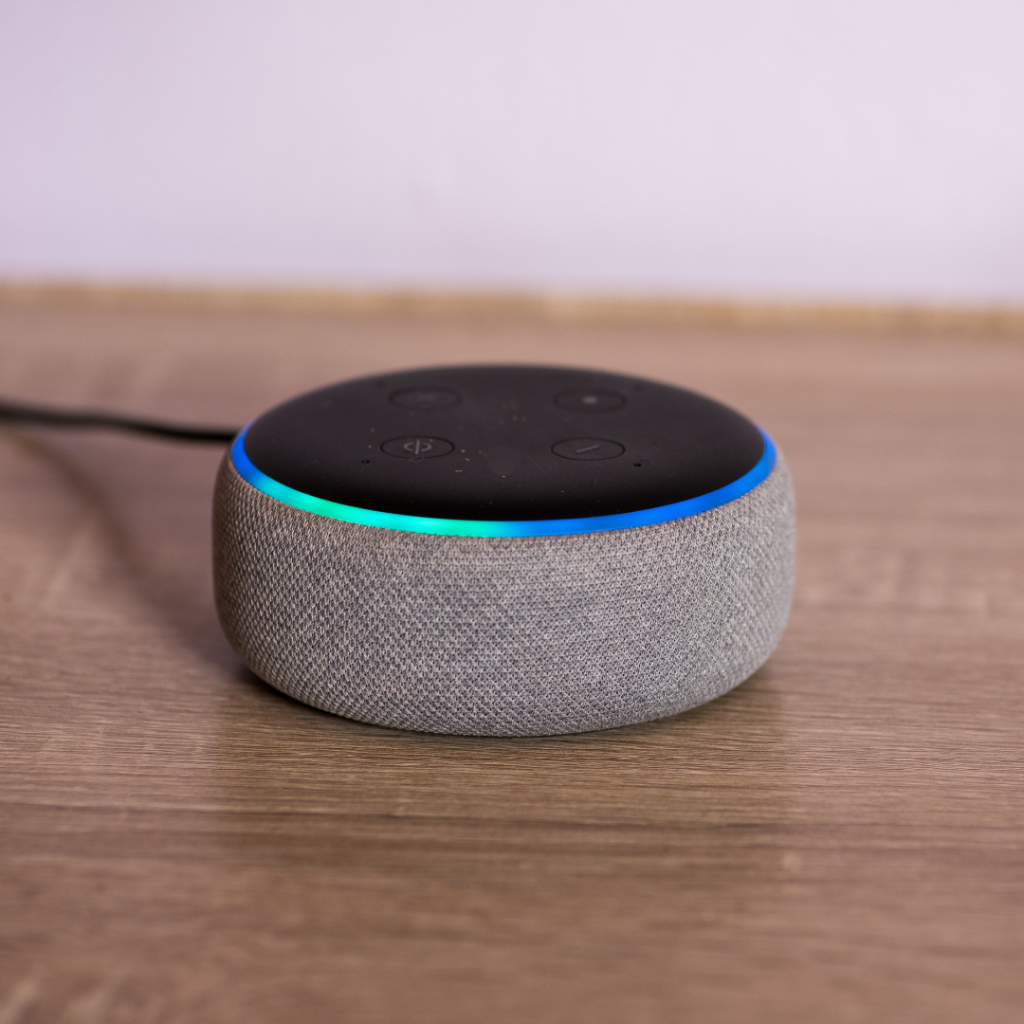
One of the best ways to protect your privacy is to regularly review and delete stored voice recordings. Most major voice assistant platforms allow users to access their voice history through account settings or companion apps. Reviewing this history can help you understand what has been saved and remove anything you do not want stored. Some services also offer automatic deletion settings, which can reduce the amount of data kept over time.
Another important habit is muting microphones when devices are not actively being used. Many smart speakers and cameras have a physical mute button or privacy switch. Using these controls during private conversations, work meetings, or family discussions can help prevent accidental recordings. For added security, users may also unplug devices or turn them off when they are away from home for an extended period.
It is also wise to limit how much sensitive information is connected to always-listening devices. Avoid linking accounts that contain financial, medical, legal, or highly personal information unless it is necessary. When possible, disable features that allow purchases, personal calendar access, or access to private messages through voice commands. Strong passwords and multi-factor authentication should also be used on accounts connected to smart devices.
Privacy settings should be reviewed regularly because companies may update features, permissions, or data-sharing options. Users should check whether voice recordings are used for product improvement, whether third-party apps have access to device data, and whether location tracking is enabled.
Always-listening technology can be useful, but convenience should be balanced with caution. By deleting stored recordings, muting microphones, limiting linked accounts, adjusting privacy settings, and turning off devices when needed, users can add an extra layer of protection for their personal conversations and data.